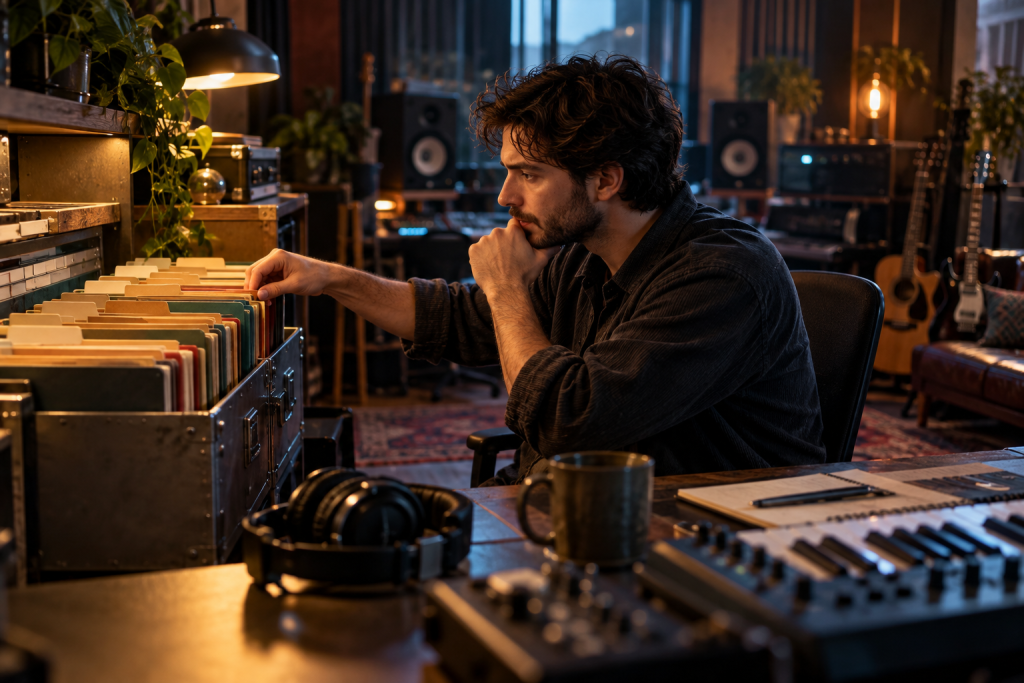
I keep my session folders on a rule that has nothing to do with music. Every project gets a folder named by the client, then the song, then a four word description of what it actually is, and that folder never moves once it is created. I came to this after losing an afternoon looking for a vocal comp I knew existed somewhere on a drive with three other projects named “Rough Mix.”
If you record other people’s bands for a living, even part time, the session file is the one asset that outlives the take. Mics get sold, plugins fall out of licence, interfaces get upgraded. The folder has to survive all of it. So I think about naming the way I think about backups, which is: it is not interesting work, and skipping it costs you a whole day later.
Name the song, not the state of the mix
My old habit was to save as I went and let the DAW’s incremental numbering carry the version history. Song_v3_final_revised_REALfinal.wav. Then the client asks for “the one with the old intro” and I have to open six files to find it.
Now the folder name carries the identity, and the files inside carry the version. The folder is ClientName_SongTitle, and the session inside gets a date prefix, year first. Two years later, sorting by name gives me a chronological run of projects without opening a single one. It is a boring system. It works.
Sort by date at the OS level instead and you get a folder order that resets the moment somebody moves a file. Sorting by a name you control is the one thing that stays stable.
The parts that actually need their own space
A session folder is not one thing, it is five things sitting next to each other. I keep a fixed set of subfolders in every project so I never have to hunt:
- Audio for anything recorded here, tracked and named by instrument and take.
- Imports for anything the client sent, kept exactly as received.
- Stems for the exported mixes, which I treat as deliverables, not working files.
- Refs for the reference tracks, named by artist and song so I can remember why they are there.
- Session for the actual DAW file and its backups, including the auto save folder.
That last one does more for a half-decent take than most folks would guess. If your DAW keeps its backup session files loose in the same folder as the audio, one copy of the project folder is no longer a backup. It is a copy with a nest of duplicate sessions inside it, which is worse than a clean copy because you cannot tell which parts are current.
The exporting habit that saves future sessions
Here is the one I got wrong for years. I used to hand a client a stereo mix and consider the job done. Then they would come back six months later wanting a revision and I would discover the session had drifted so far it no longer opened cleanly on the current plugin versions.
The fix is to export the multitrack, always, at the end of the project. Not the stems, the whole thing, individual tracks, printed and labelled. The reasoning that pushed me into this came from a mixing write-up that made the case plainly: a stereo file cannot be un-baked, and split stems are not stems. Once you have handed over the bounce, the decisions are locked in. Keeping the multitrack lets you go back and change them.
That same write-up makes a related point that has stuck with me. Replacing a buried pad in a record changes very little. Replacing the element that carries the song, the hook, changes how the record feels in the first ten seconds. The lesson applies to filing too. The thing you most need to find two years later is not the pad. It is the take that made the song, and if you did not label it clearly when you tracked it, you have no way of knowing which one it was.
Label the take that mattered
So I mark the keeper takes as I go, not afterwards. The comp pass is not a good time to remember which of eleven vocal takes had the good line. I would rather annotate while the singer is still in the room. A simple marker on the timeline with the words KEEP, line 2 does the job, and I have never regretted doing it.
The habit survives even when I do not. If the session goes cold for six months, the markers are still on the timeline, and the client still knows which take they liked.
For drums in particular, I name the kick and snare as they are, not as what they will become. A track called “Drums” that contains eleven takes of room mics is unreadable. DrumRoom_L, 4 mic setup, tracked in one pass. If the setup was four mics, the folder name says four mics, because six months later I will not remember. The same instinct applies to imported guide tracks and to anything the client dropped in as a rough reference.
A filing test you can run in five minutes
I have one check I run before archiving anything. Close the session. Wait a minute. Then open the folder in a file browser and try to answer three questions without opening the DAW:
- Which client is this?
- Which song?
- Is this the final mix or a work in progress?
If any answer requires guessing, the naming failed. Fix it while the session is fresh. On a project I finished last week, I opened a folder named Jones_LostWeekend_2024_Demos and knew in two seconds that those were not finished mixes. That is the whole return on the system. Nothing more than that.
Naming will not rescue a flat take. It will not make a better mix. But it is the difference between being able to revisit a session and being unable to. Anyone who mixes band work at home will eventually need to reopen a project made before the last OS upgrade or DAW update, and if you cannot find the take, the trust you built in the original session is lost. So name it on the day. You will not get a second chance at a label.